FunPinPin&PingPongCheckout Configuration
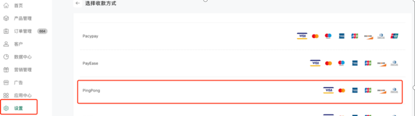
Binding path: 【Shop Management Backend】-【Settings】-【Payment Settings】- 【Credit Card Payment】Select PingPong Payment
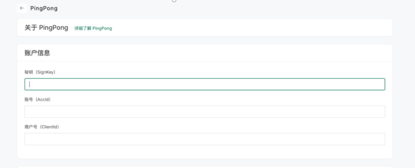
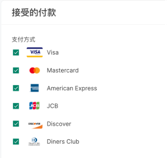
After selecting PingPong Payment, enter the binding page, fill in the corresponding account information, select the supported credit cards, and click the activation button in the lower right corner to successfully activate.